Halloween Pumpkin Carving Contest · Starts October 1st · $500 in prizes
← Back to ideas
@ai_concepts
Sep 25, 2026
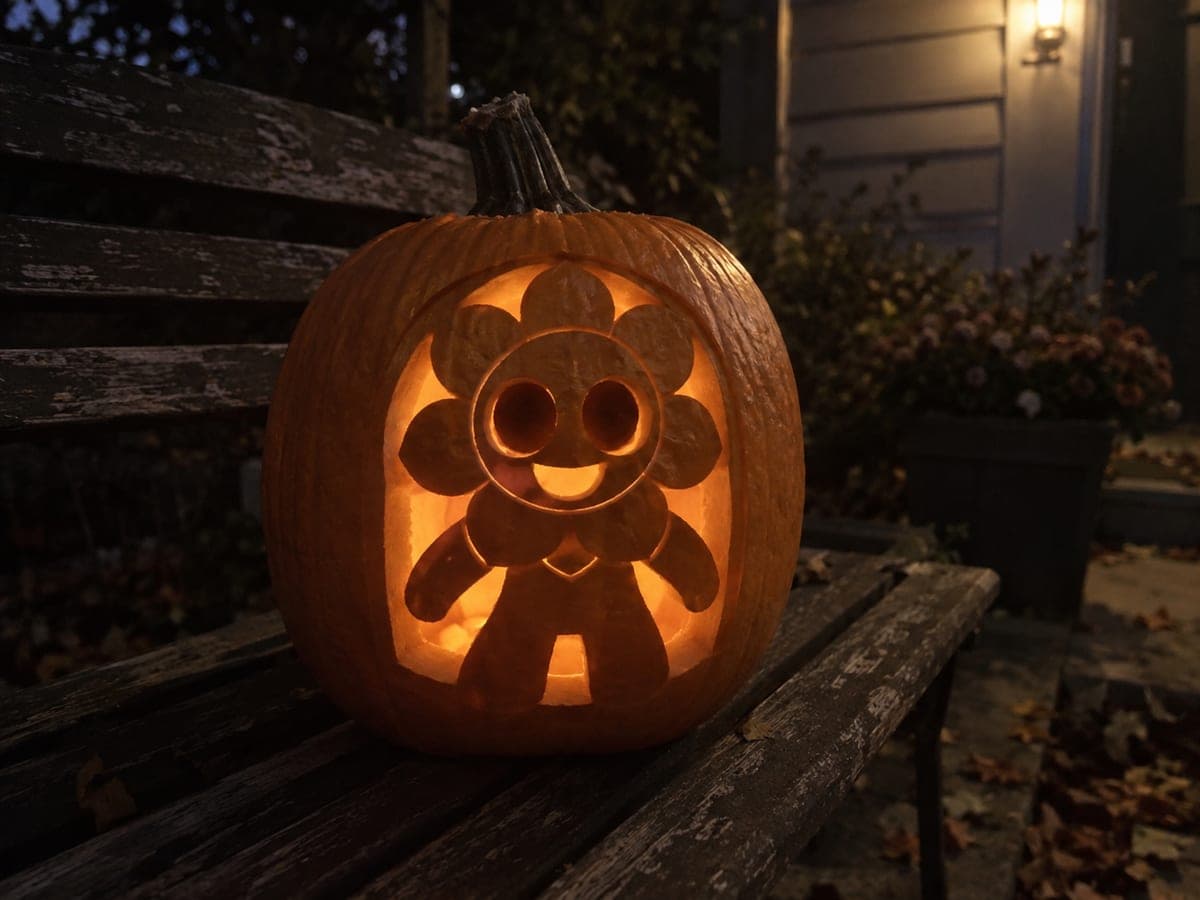
Roblox Block Avatar Pumpkin on a Garden BenchAI
0

Report this carving

Tell us what is wrong. Reports are private.

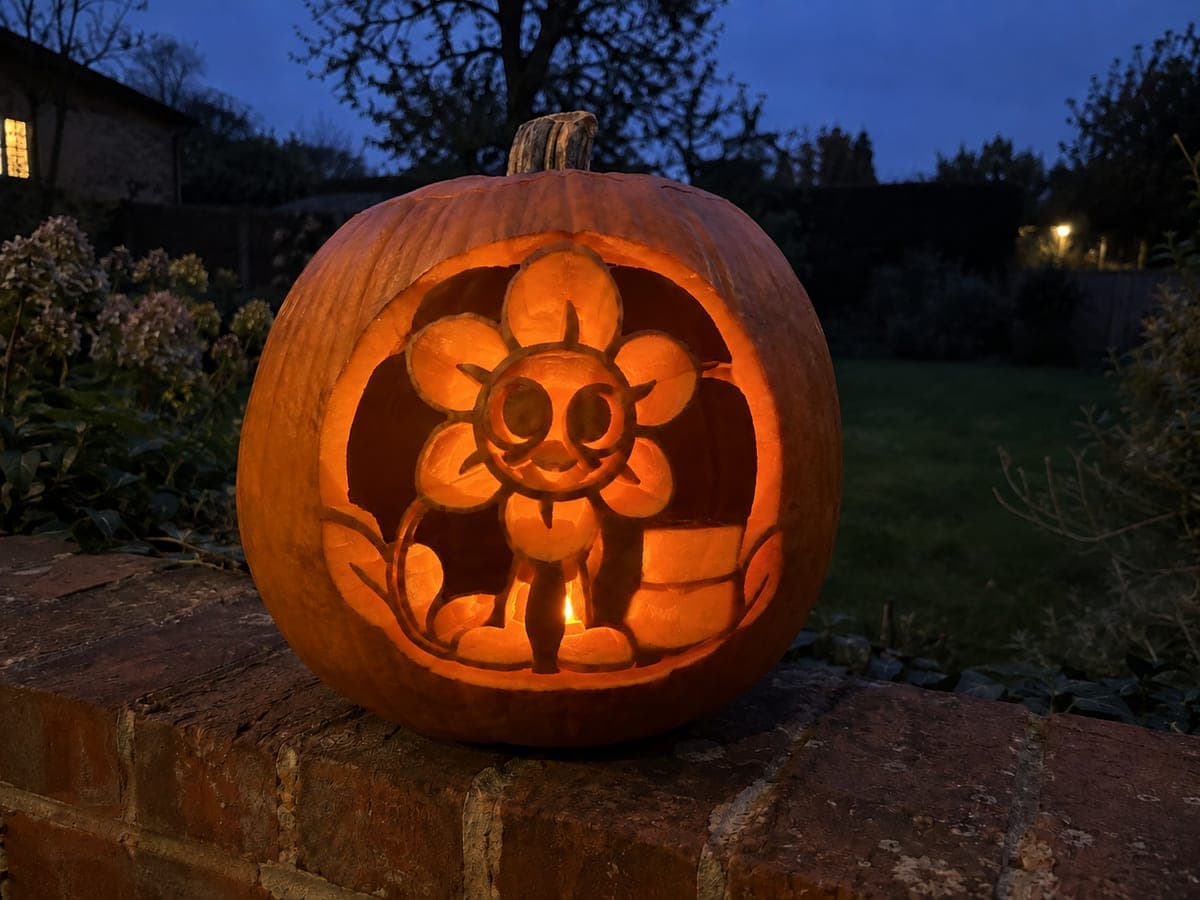
Roblox Block Avatar Pumpkin on a Garden Bench

This intermediate roblox pumpkin carving shows the blocky avatar with hollow eyes and smile, while the chest symbol is carved as a shallow backed detail on the natural rind surface. The head top and torso base serve as the main structural supports, so keep those areas broad when transferring the stencil. Displaying this pumpkin on a garden bench lets the natural rind texture complement the pixelated block character aesthetic.

No ratings yet · Sign in to rate

Comments (0)

  • No comments yet — be the first.

Save without an account. Sign in to like or comment.

Our tips for carving a similar design

The blocky avatar's hollow eyes and smile are the main glowing elements, while the chest symbol is added as shallow backed detail on the intact rind for a secondary visual layer. The head top and torso base are the design's structural anchors and must stay broad throughout the carving process. A garden bench display lets the natural rind texture play off the pixelated block aesthetic.

From pumpkin to porch

  1. Prep and gut the pumpkin

    Bottom-cut and gut the pumpkin, scraping the interior walls to about an inch thick. The chest symbol is a backed detail and needs a thinner wall in that zone for good visibility, so thin it to about 7 millimeters where the symbol sits. Dry the interior before stenciling.

  2. Transfer the avatar stencil

    Pin-poke the full avatar stencil, marking the eye positions, smile arc, chest symbol area, head top boundary, and torso base boundary. Highlight the head top and torso base as no-cut safety zones in a bold marker color. Remove the stencil and verify all zones are clearly distinguished.

  3. Cut the eye openings

    Roblox avatar eyes are simple rectangular or slightly rounded squares that suit a sharp-cornered cut. Score each corner with the knife tip before sawing the sides. Keep the bridge between the two eyes at least three-quarters of an inch wide. Remove each eye piece cleanly and discard.

  4. Cut the smile

    The Roblox avatar smile is typically a small curved or flat-bottomed arc rather than a wide grin. Cut it as a clean, simple arc matching the stencil. Avoid making the smile too wide or it will weaken the rind between the eyes and the mouth. Tidy the edges with a small knife.

  5. Scrape the chest symbol

    Use a narrow gouge to shallow-back the chest symbol shape, keeping a depth of 3 to 4 millimeters and the rind floor fully intact. Work slowly around any angular corners in the symbol since sharp inside corners are where shallow backing most often breaks through. Check from inside with a flashlight to confirm the symbol is glowing at a consistent mid-tone.

  6. Display on a garden bench

    Place an LED inside and set the pumpkin on a garden bench at a comfortable viewing height. The chest symbol backed detail reads best from around three feet away. The natural wood and pumpkin textures together reinforce the pixelated block character aesthetic.

Written with AI to match this design

Gather your supplies

Check things off as you get ready.

Work on a stable surface, keep your free hand out of the cutting path, and have an adult handle sharp tools.

Three levels of light

  • Leave intact

    The head top, torso base, and outer avatar outline stay fully dark, anchoring the figure.

  • Peel & shade

    The chest symbol area is shallow-backed for a secondary mid-glow.

  • Cut through

    The rectangular eyes and smile arc are cut fully through for the brightest, most direct light.

Learn the carving basics

Before you start cutting

How do I get the rectangular avatar eyes to look square rather than slightly oval on the curved pumpkin?

Score all four corners of each eye rectangle before sawing any sides so the corners stay at right angles. Cut each side as a separate straight stroke rather than sawing continuously around the rectangle. A slight pumpkin-surface curvature is unavoidable, but when lit the eye opening reads as visually square from straight on.

The chest symbol backing keeps breaking through at the corners. What should I do?

Angular inside corners in a backed design are the highest-risk points for breakthrough. Approach each inside corner with the gouge at a shallow angle and stop the stroke about 2 millimeters before reaching the corner, then come from the opposite direction to meet in the middle. If a small breakthrough occurs, patch it from inside with a strip of masking tape.

Can I add Roblox username text beneath the avatar?

Shallow-backed lettering is possible in the lower torso or below the avatar. Keep each letter at least 2 centimeters tall and use a narrow V-gouge for clean letter strokes. Test on a spare piece of pumpkin rind first to calibrate your gouge depth before committing it to the final design.

Your take belongs here, too.

Changed a detail? Made it simpler? Share a photo of your version and tell the community what worked.

Share your pumpkin

More pumpkins like this

You've reached the end · 8 pumpkins
The Patch Report

Fresh pumpkins, in your inbox.

The best new carvings, ideas worth stealing, and how-tos for carving season. Short, seasonal, and gone by November.

A short email during carving season. Unsubscribe anytime. See our privacy policy.